Generate it.
Then actually edit it.
A chat window hands you a picture. Pixy hands you a design. Generate the image, cut the background, extend the frame, paint something out — then move it, retype the headline in your own typeface and export at the exact size you need.
Free plan · 20 credits · no card required
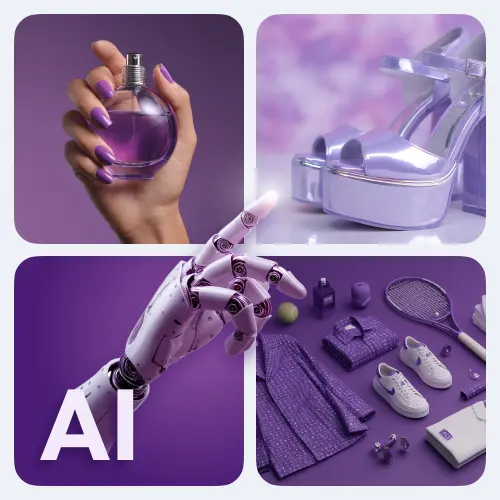
A product image generated from a text prompt
6
AI image tools
1,500+
Ready templates
37
Languages to translate
1
Credit per AI run
Generate · Remove background · Replace background · Extend · Erase · Inpaint
The AI toolbar
Six tools that do the part you dread.
Every one of them runs on the canvas and leaves its result behind as an element you can still move, mask, resize or delete. One credit a run, whichever you use.
Image generator
Describe the shot you need and it appears on the canvas, at the aspect ratio the design is already built for.
WhenNo stock photo exists for the thing you are launching.
Background remover
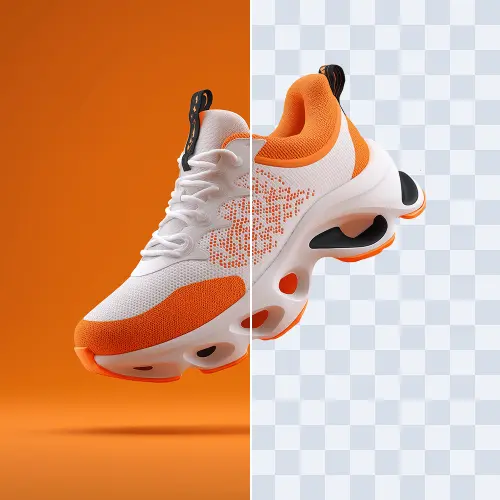
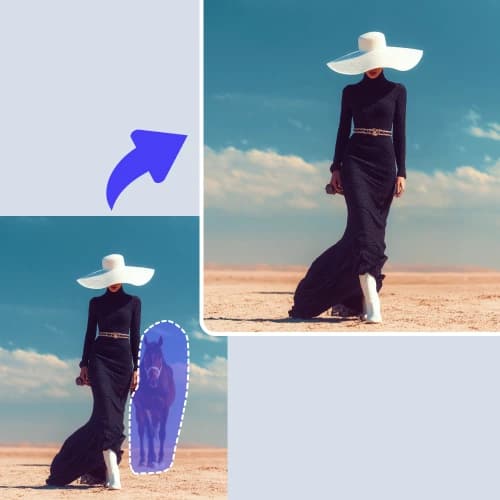
Cut the subject out to transparency in one click, then drop it onto any layout.
WhenA supplier sent you the product on a grey studio wall.
Background generator
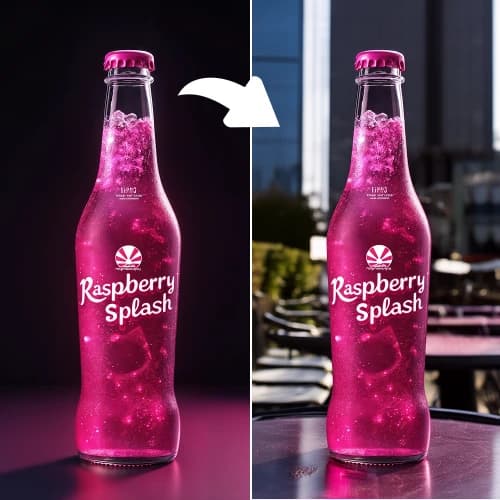
Keep the subject, describe the scene behind it, and get a new background built to match.
WhenThe same trainer needs a summer set and a winter set.
Image extender
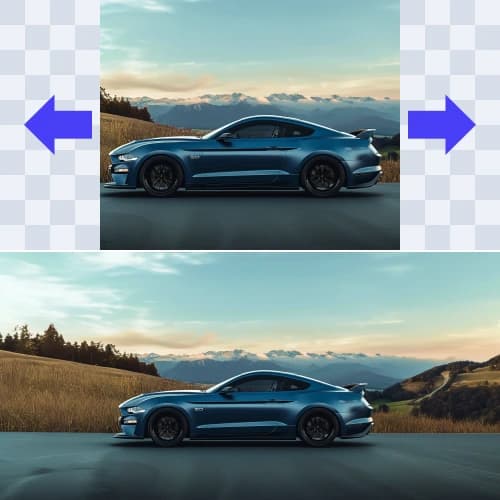
Paint outwards past the edge of the original photograph so a square shot fills a wide frame.
WhenThe only photo you have is portrait and the ad slot is 16:9.
Eraser
Brush over whatever should not be in the shot and it is gone, with the background filled in behind it.
WhenA competitor’s logo is in the corner of the photo.
Inpainter
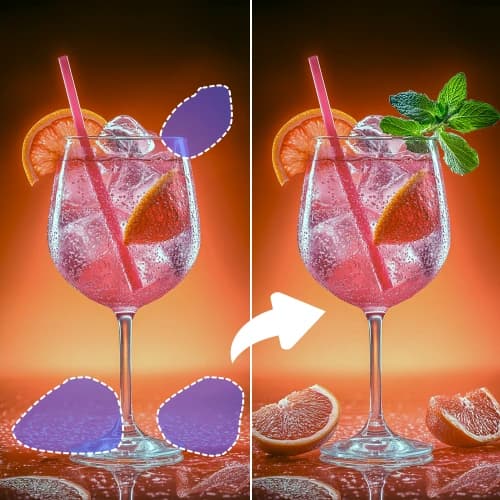
Paint over an area, describe what belongs there instead, and only that area is redrawn.
WhenThe drink is right but it needs garnish and a second glass.
AI write
The caption, too.
Select the text on the canvas and let it rewrite, shorten, expand or change the tone — then translate the whole design into any of 37 languages without touching the layout.
On any text element
The text stays a text element in your own typeface, so the type is set and kerned properly rather than drawn into the picture — and next month you change one word instead of regenerating the image.
What people make with it
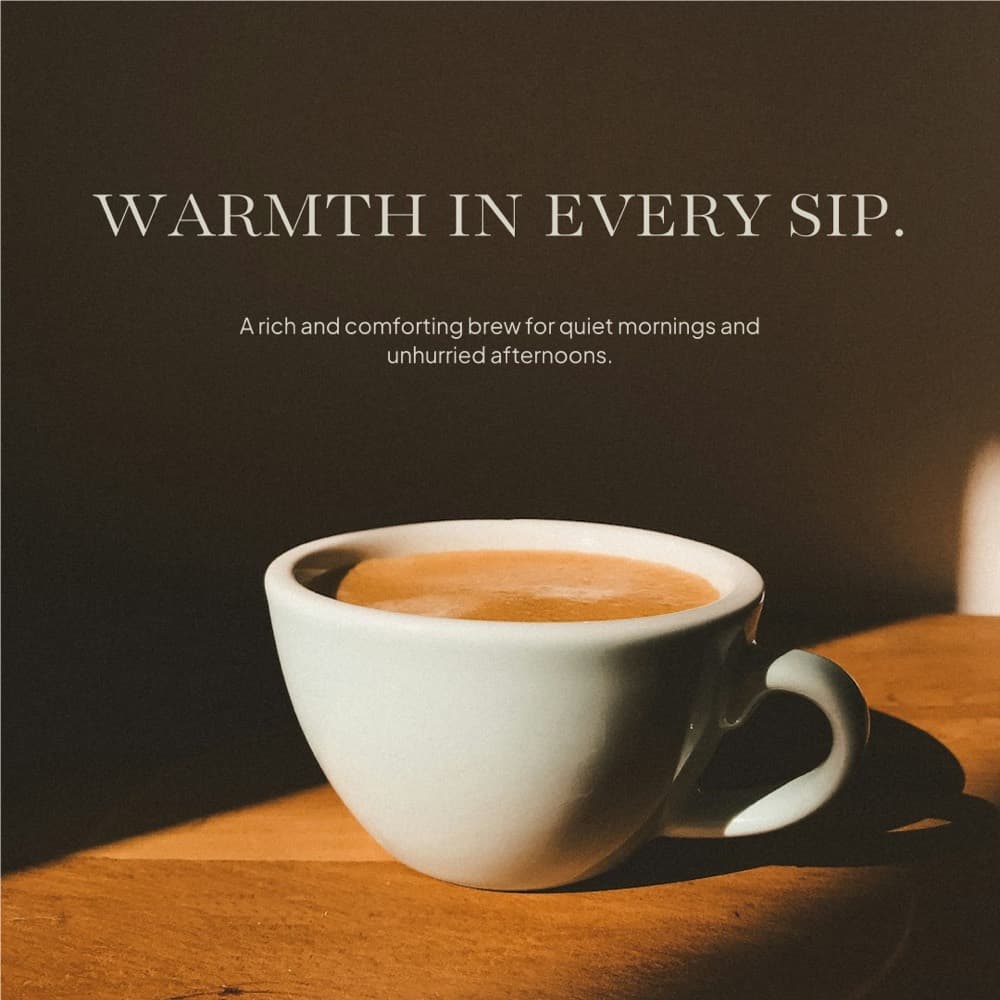
Social posts
Feed posts and carousels, sized right the first time.
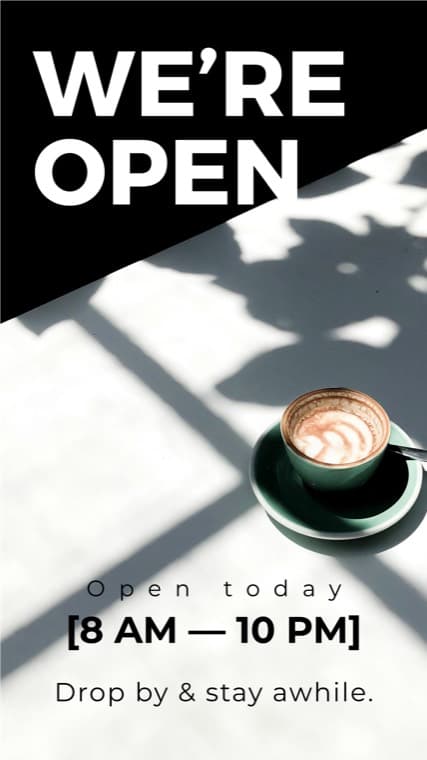
Stories
Vertical 1080 × 1920, without resizing anything by hand.
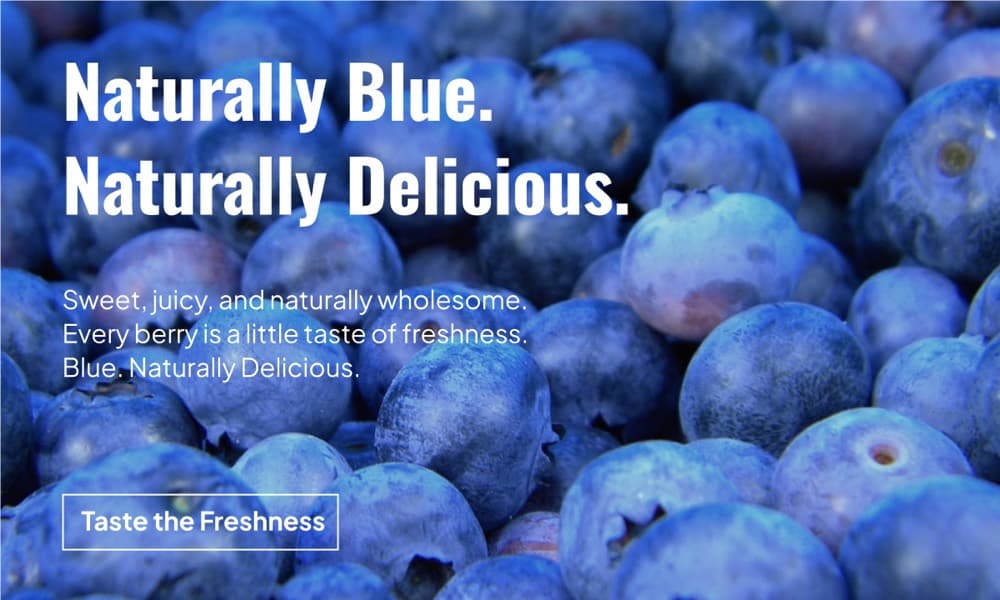
Ads
Five variants of the same offer while the idea is still warm.
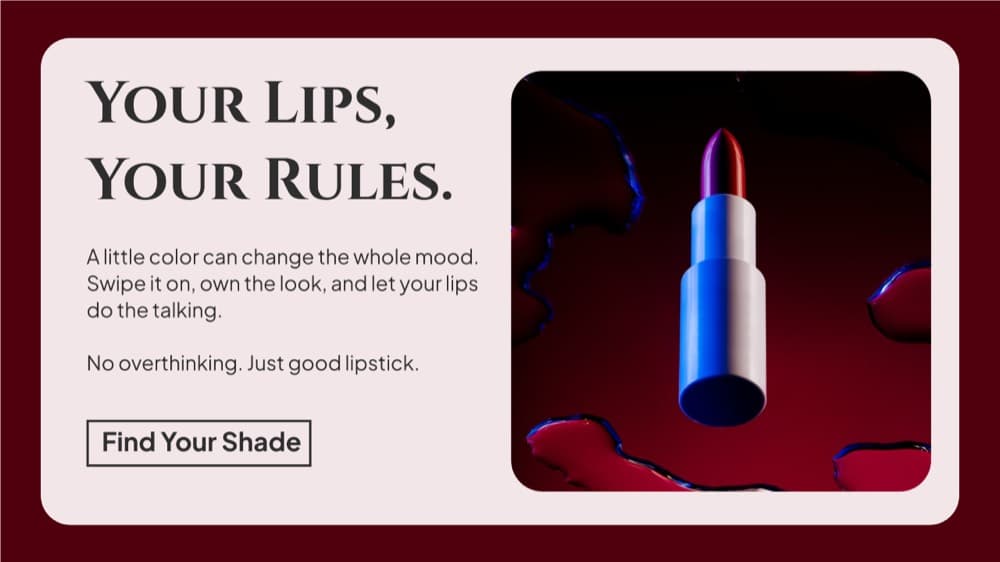
Product shots
Background out, new scene in, catalogue-ready.
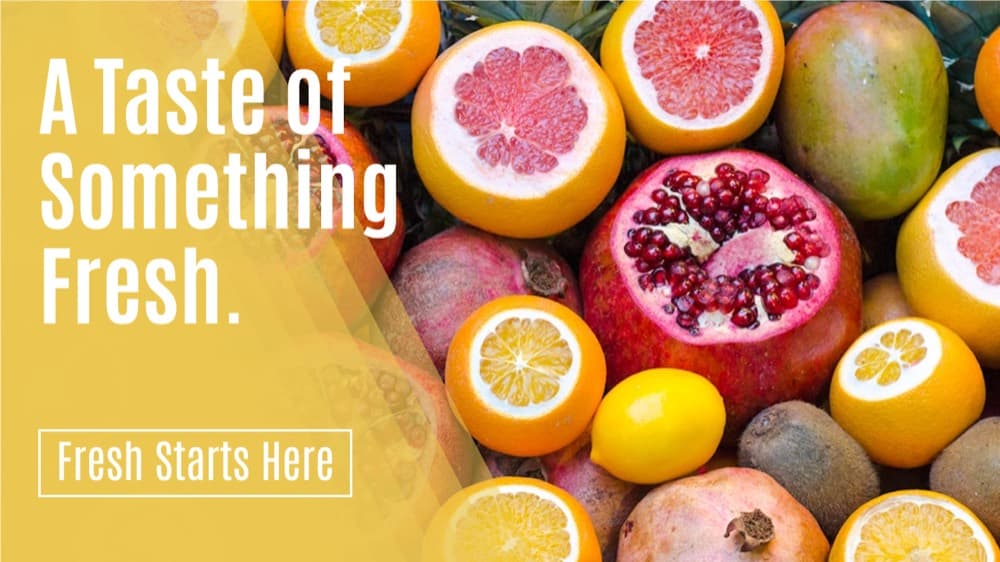
Email headers
One layout, eleven markets, translated in place.
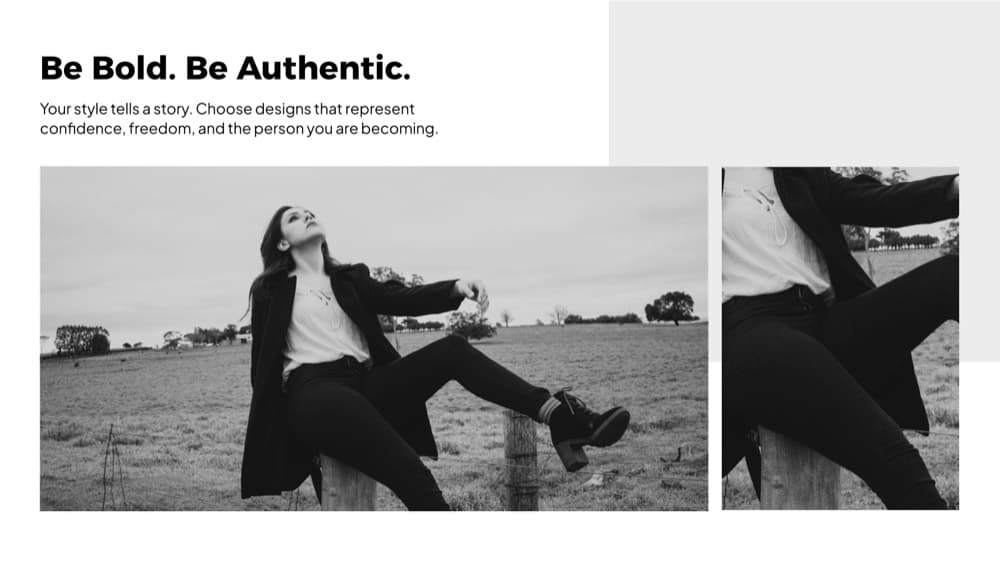
Thumbnails
Wide covers for posts, videos and blogs.
How it works
Three steps, and none of them are learning design.
You are not starting from a blank canvas and you are not starting from a blank prompt. Start from a layout that already works, and change the parts that are yours.
- 01Templates
Start from a template
Pick one of 1,500+ layouts already sized for the channel you are posting to, or open a blank canvas at any size you like.
- 02AI tools
Ask the AI for the hard part
Generate the image, cut the background, extend the frame, paint something out. Every run puts its result straight onto the canvas as an editable element.
- 03PNG · JPEG · PDF
Finish it like a designer would
Move it, retype it, recolour it, let AI rewrite the caption or translate it. Then export PNG, JPEG or PDF.
Why Pixy
A picture, or a design.
Generating images in a chat window works right up until you need to change one word, match your typeface, or hit an exact size. Here is where the two part company.
| A chat window | Pixy | |
|---|---|---|
| What you get back | A flat image | A design with layers |
| Changing one word | Re-prompt and hope | Click the text, type |
| Your brand typeface | Whatever it draws | Your font, kerned properly |
| Exact output size | Crop it afterwards | The size the design was built at |
| Text inside the image | Often mangled | Real text elements |
| Next month’s version | Start from nothing | Reopen the design |
Made in Pixy
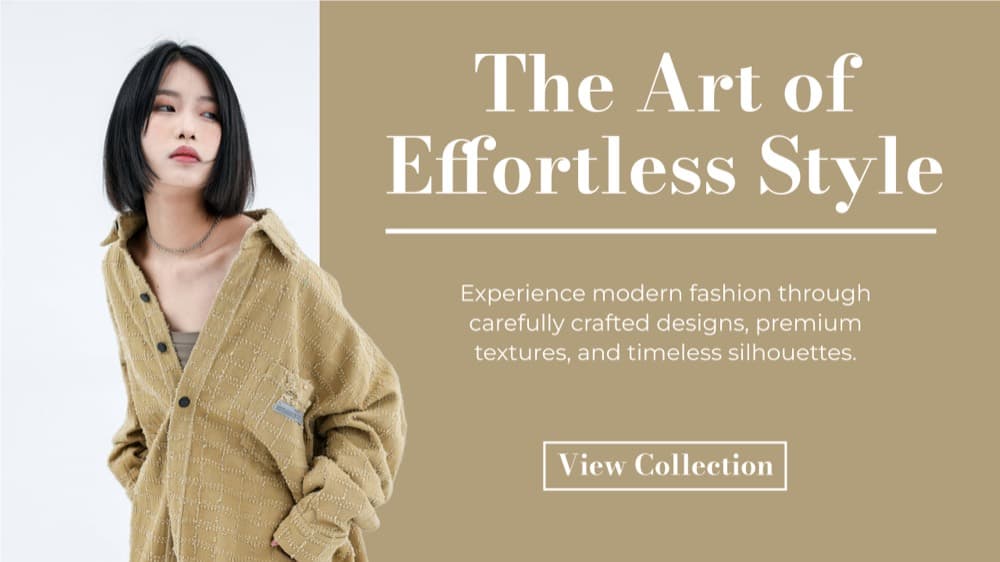
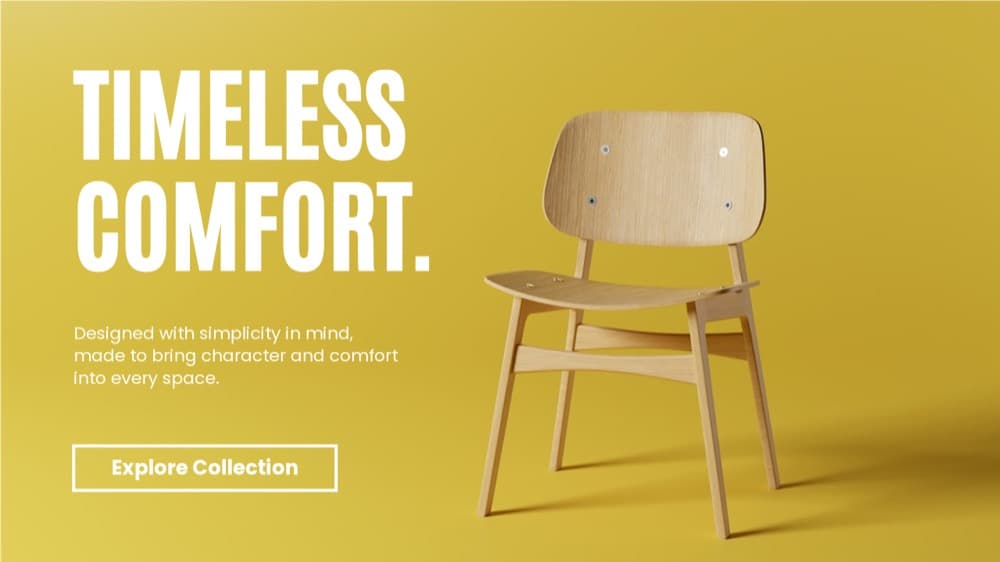
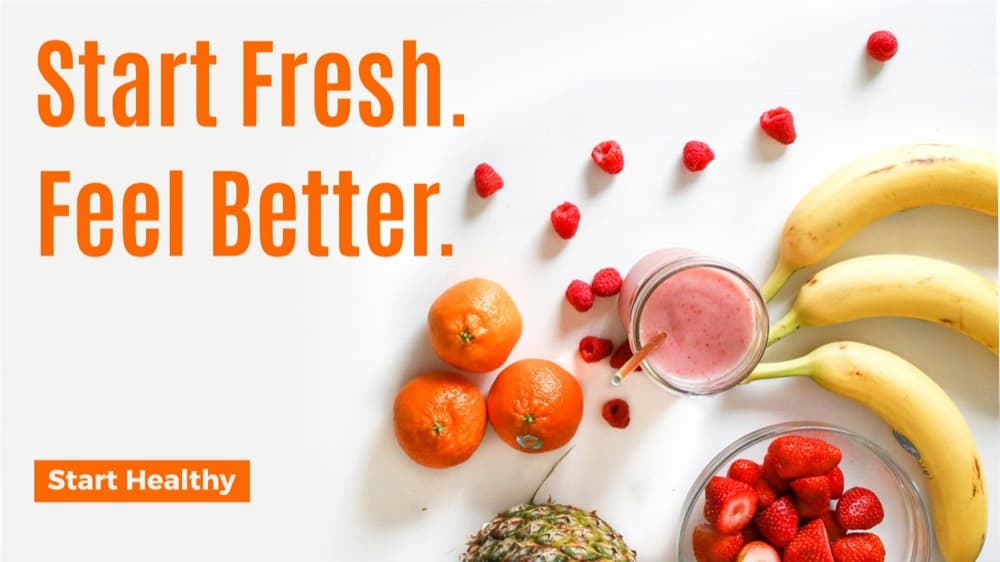
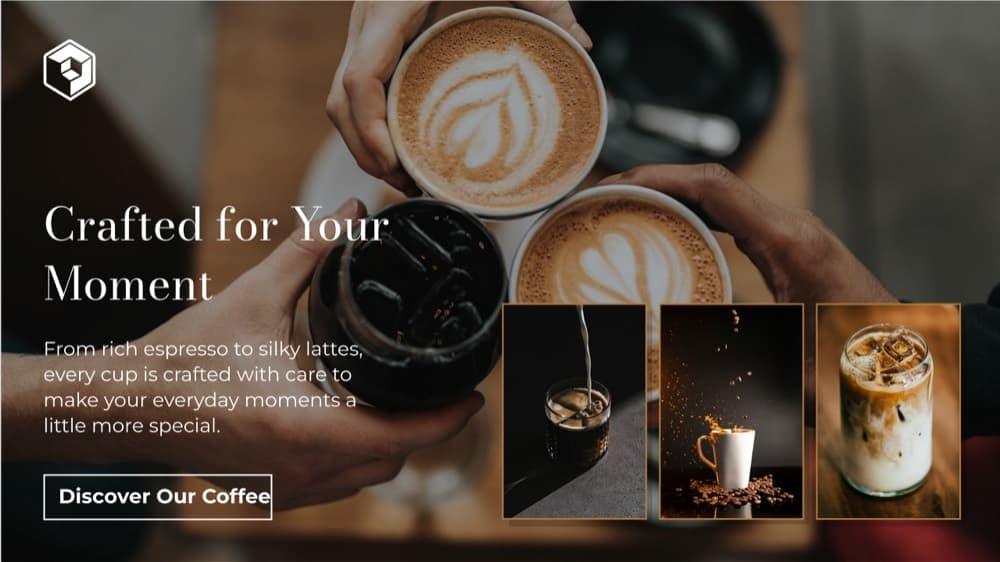
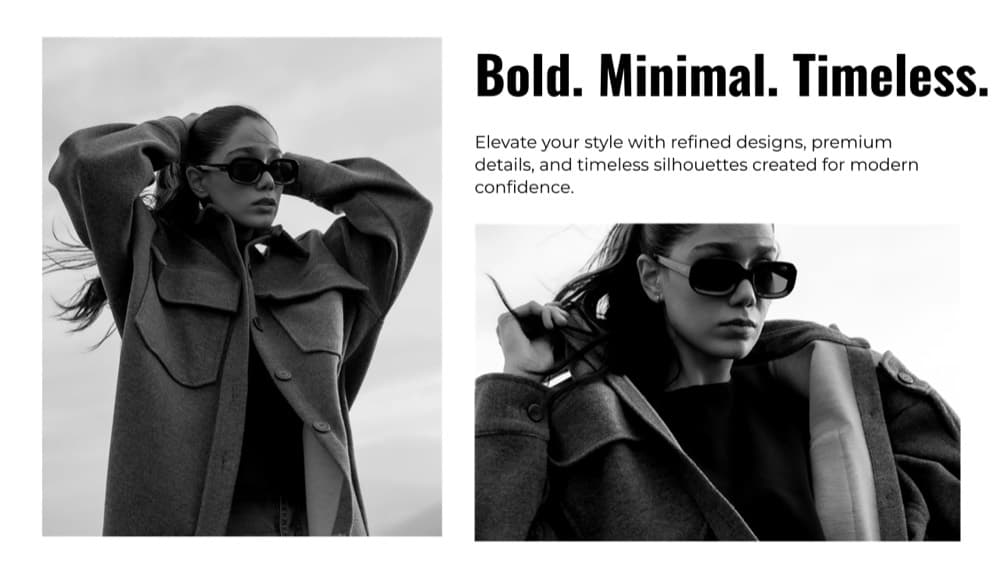
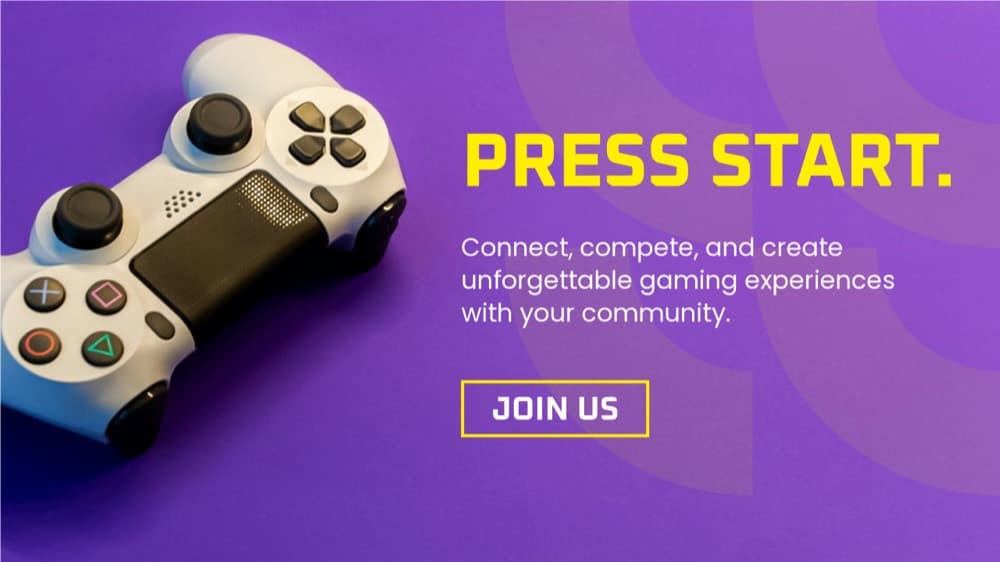
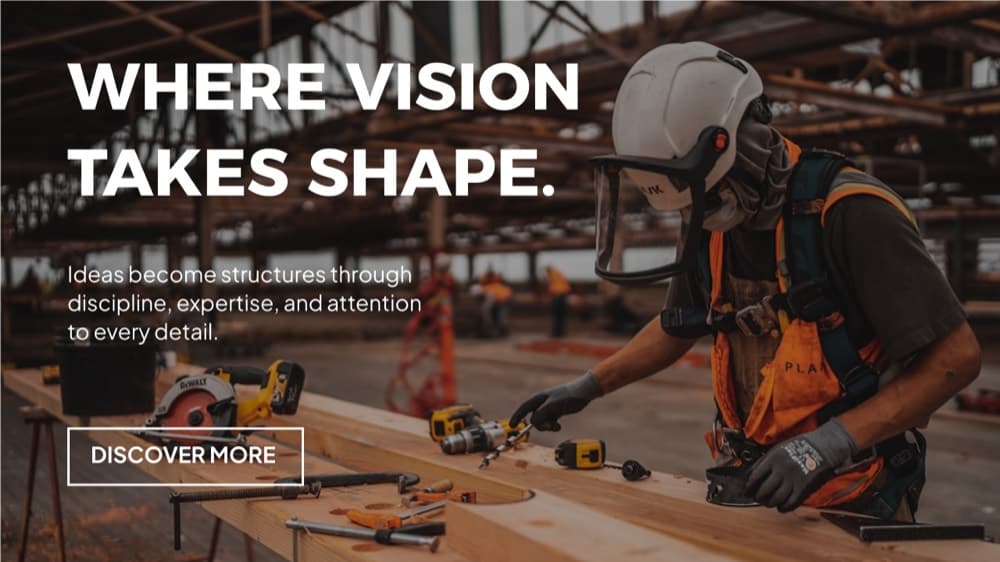
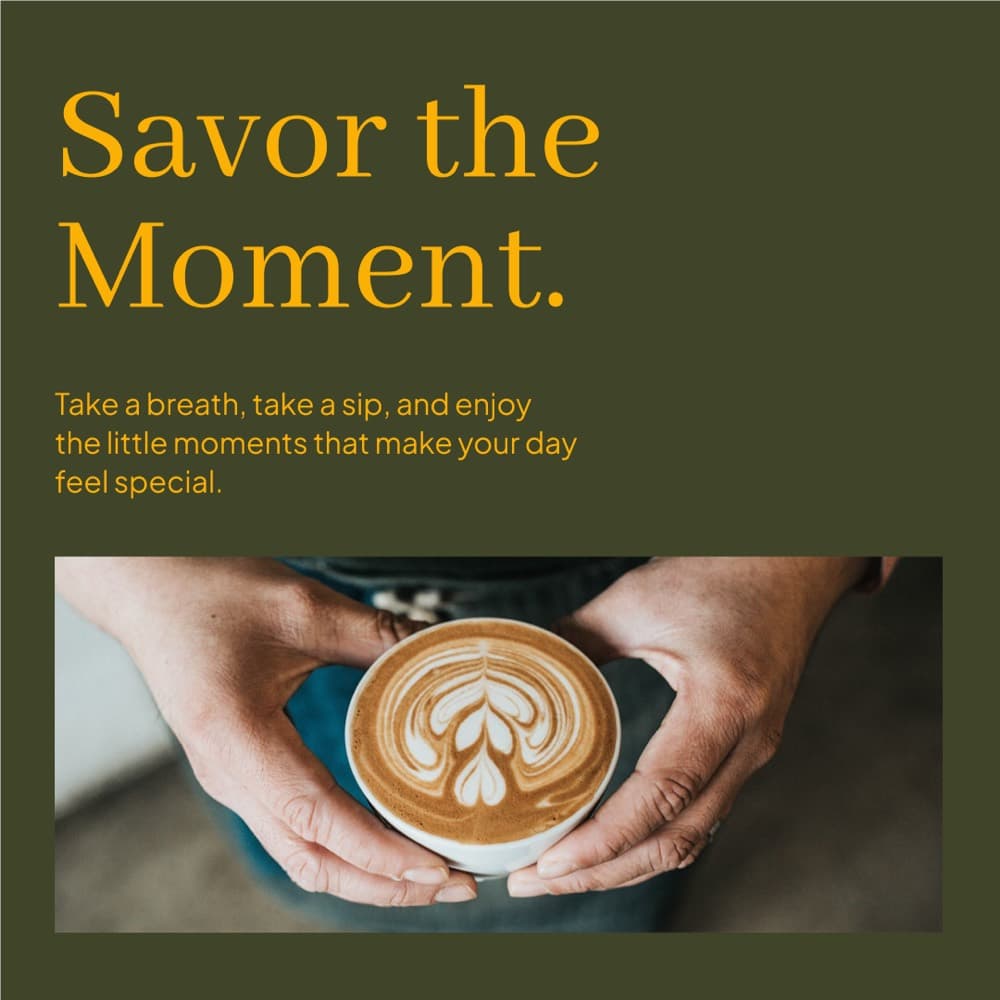
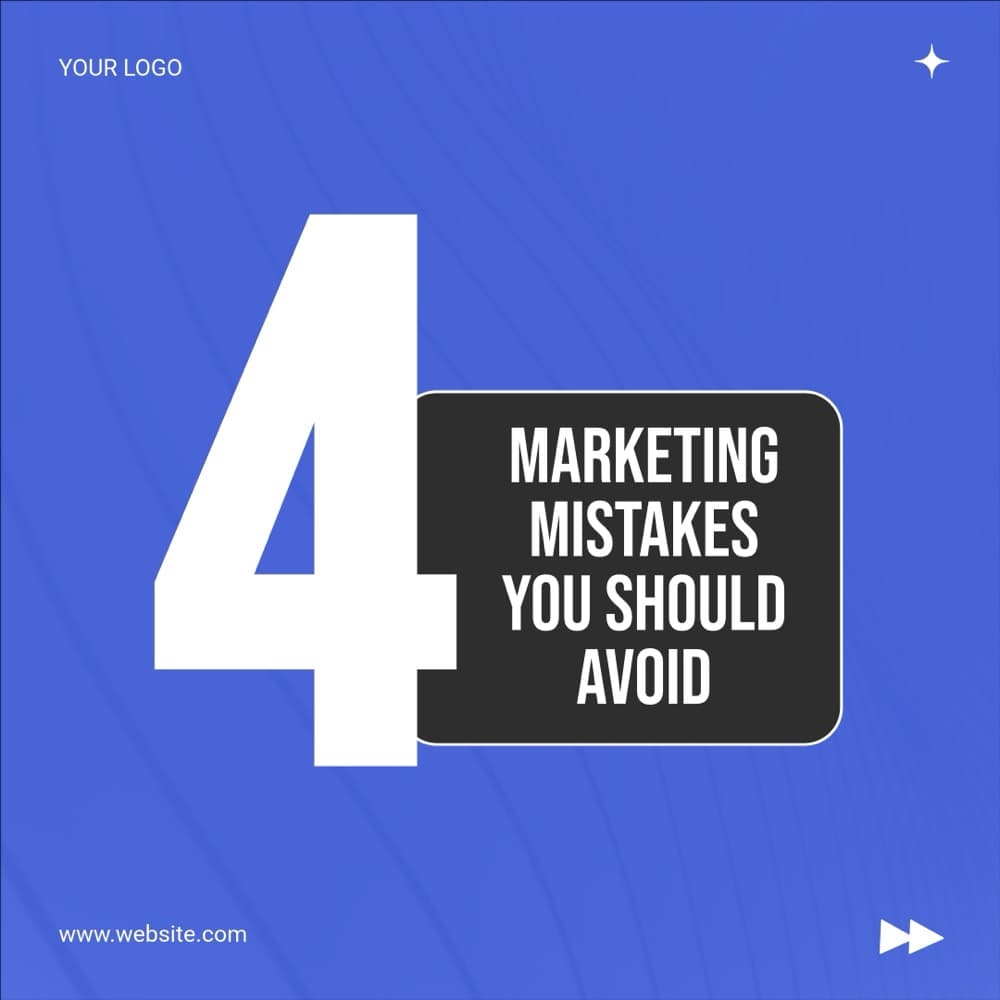
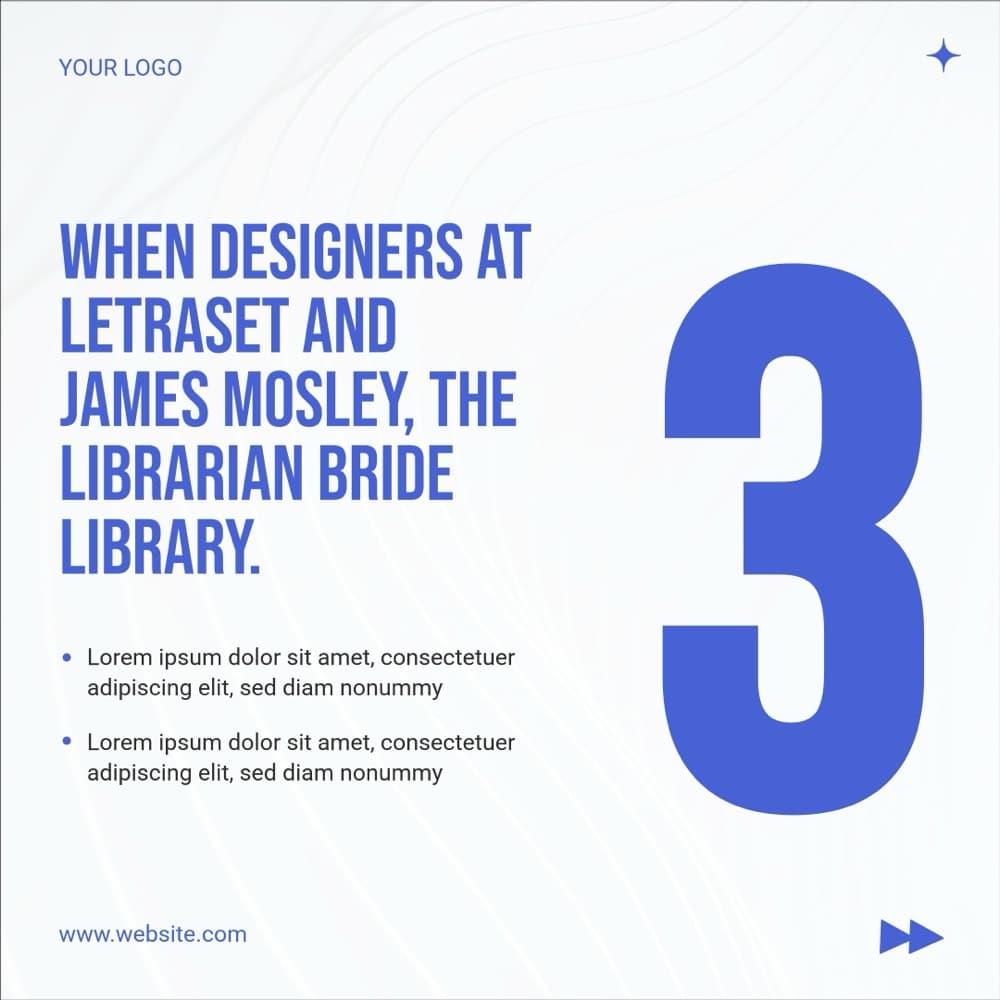
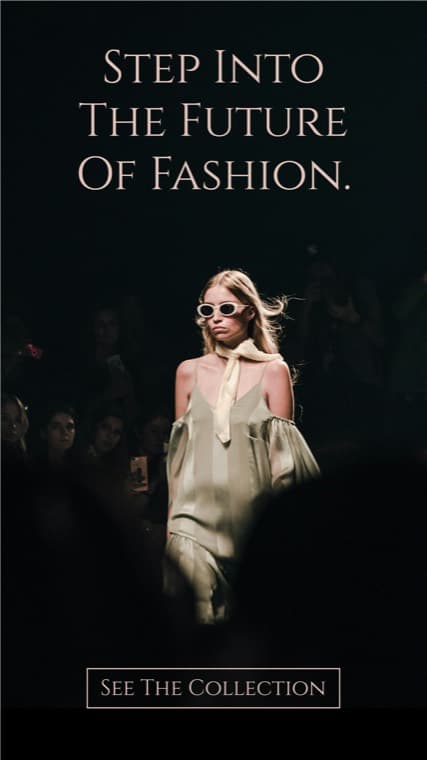
Every one of these is a template, not a mockup.

Pricing
Start free, pay when it sticks.
20 credits on the free plan, no card. Every AI tool costs one credit a run, so you can try all six before you decide anything.
Starter
For solo creators getting started with regular usage.
$49/ month
Get startedWhat’s included
- Members
- 1
- Credits
- 1,000 / month
- Overages
- $0.03 / credit
- API
- Embed
Growth
PopularFor growing teams with active API and embed usage.
$149/ month
Get startedWhat’s included
- Members
- 3
- Credits
- 10,000 / month
- Overages
- $0.02 / credit
- API
- Embed
Scale
For high-volume teams that need the embeddable Pixy image editor.
$299/ month
Book a demoWhat’s included
- Members
- 10
- Credits
- 50,000 / month
- Overages
- $0.01 / credit
- API
- Embed
Image exports cost 1 credit per page · PDF costs 1 credit
FAQ
The questions we get most.
How is this different from generating images in a chat?
A chat gives you a finished picture. Pixy gives you a design: the generated image arrives on a canvas as an editable element, next to real text elements in your own typeface, at the size you set. Changing one word later is a click rather than a re-prompt, and next month you reopen the file instead of starting again.
Do I need to know how to design?
No. Start from one of 1,500+ templates that are already laid out and already sized for the channel you are posting to, then change the parts that are yours — the photo, the headline, the colour.
What do the AI tools cost?
One credit per run, whichever tool it is. The free plan includes 20 credits so you can try every one of them before paying anything, and paid plans carry a monthly allowance with overage rather than a hard stop mid-campaign.
Can I use my own fonts, colours and logos?
Yes. The brand kit panel holds your logos and colours, and text elements use real fonts, so type is set and kerned properly rather than drawn into the picture.
What can I export?
PNG, JPEG or PDF, at the dimensions the design was built at — anywhere from 100 to 2000 pixels a side.
Can I write the captions in Pixy too?
Yes. Select your text and AI write will rewrite, shorten, expand, fix the spelling, change the tone, or translate it into any of 37 languages, in place on the canvas.
Start here
Make the first one now.
Open a template, ask the AI for the hard part, and export something you can post today. Twenty credits, no card, no trial clock.
6 AI tools · 1,500+ templates · PNG · JPEG · PDF