Design it once.
Render it ten thousand times.
Pixy is a design editor whose files are addressable. Build the template, name the elements, then send text, image sources, fills and strokes to a single endpoint — and get finished files back. Your layout stays a design. Your data does the rest.
Free plan · 20 credits · no card required

Autumn drop is live
title_id1080 × 1350
text:


1,500+
Ready templates
1
Endpoint to learn
3
Export formats
4
Modifiable fields
POST app.pixy.art/api/v1/{designId}/generate · Authorization: Bearer YOUR_API_KEY
Made in Pixy
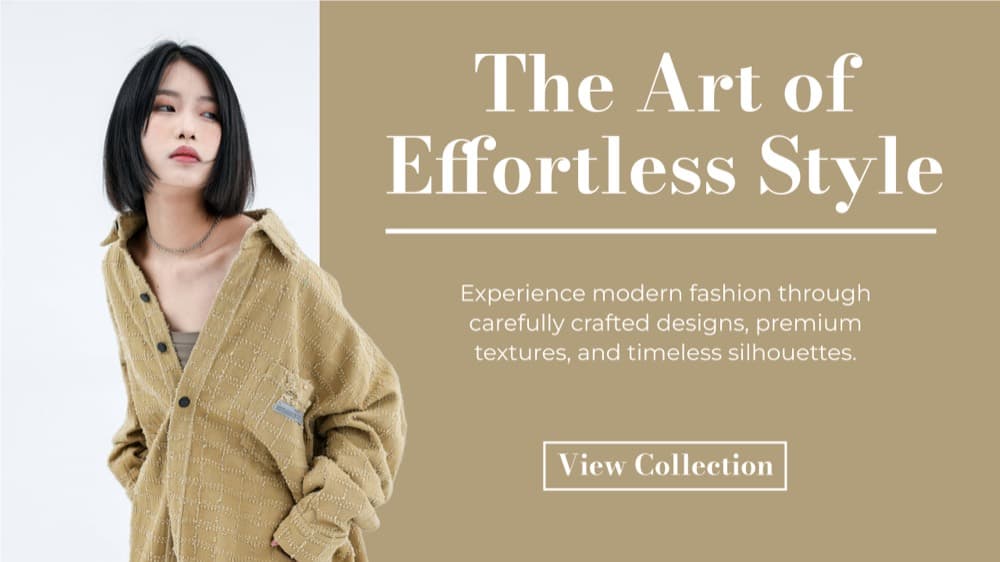
Every one of these is a template, not a mockup.

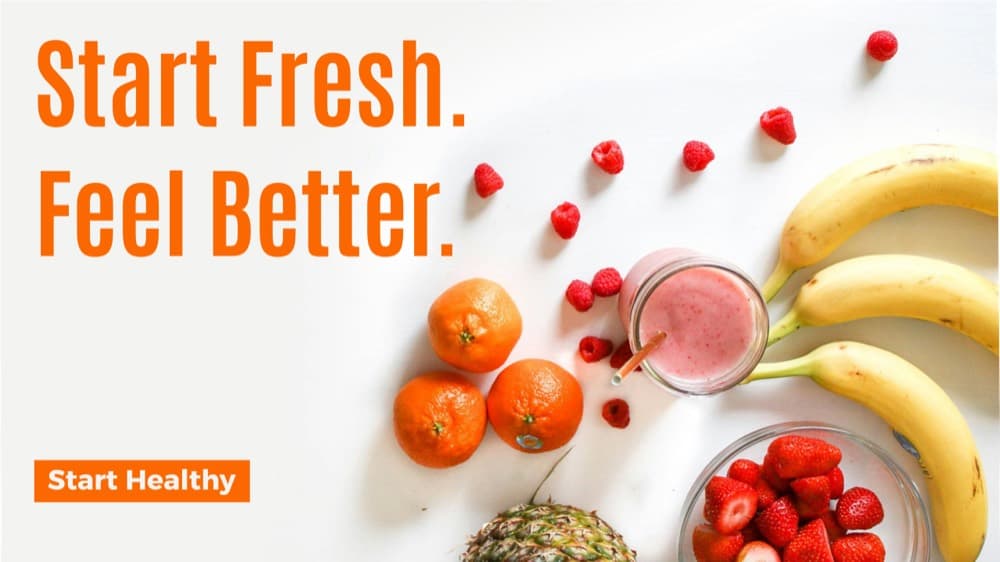
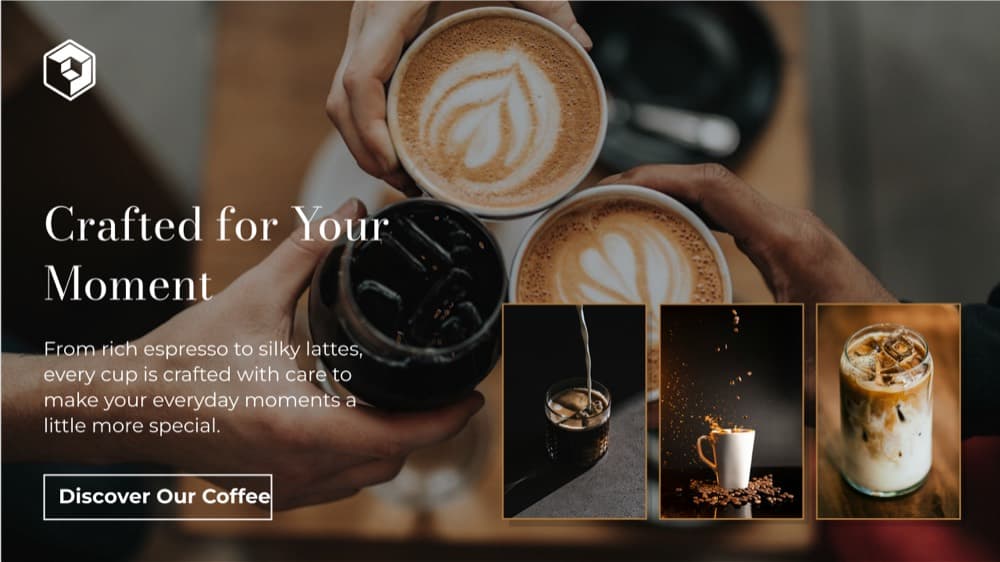

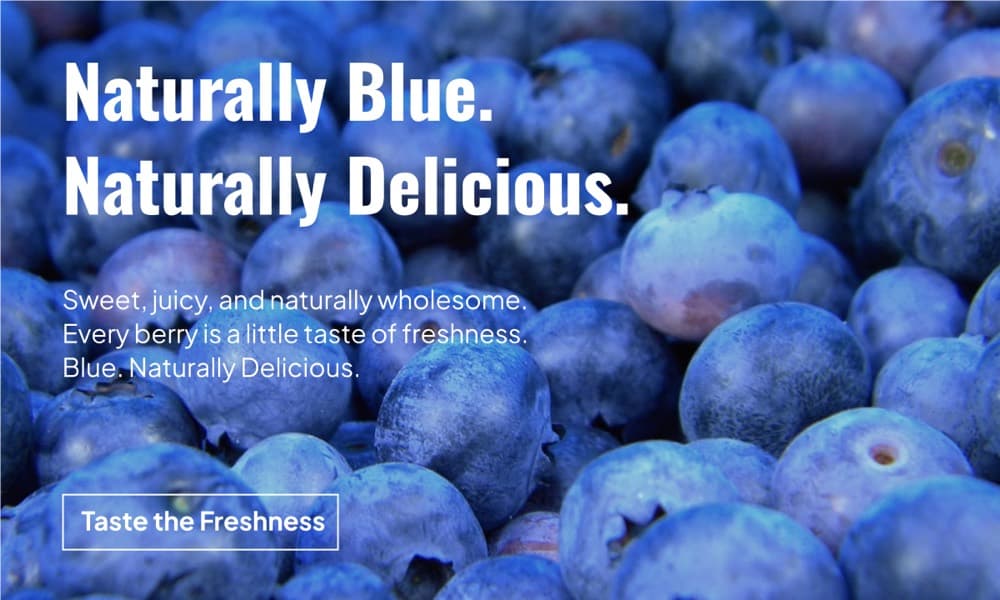


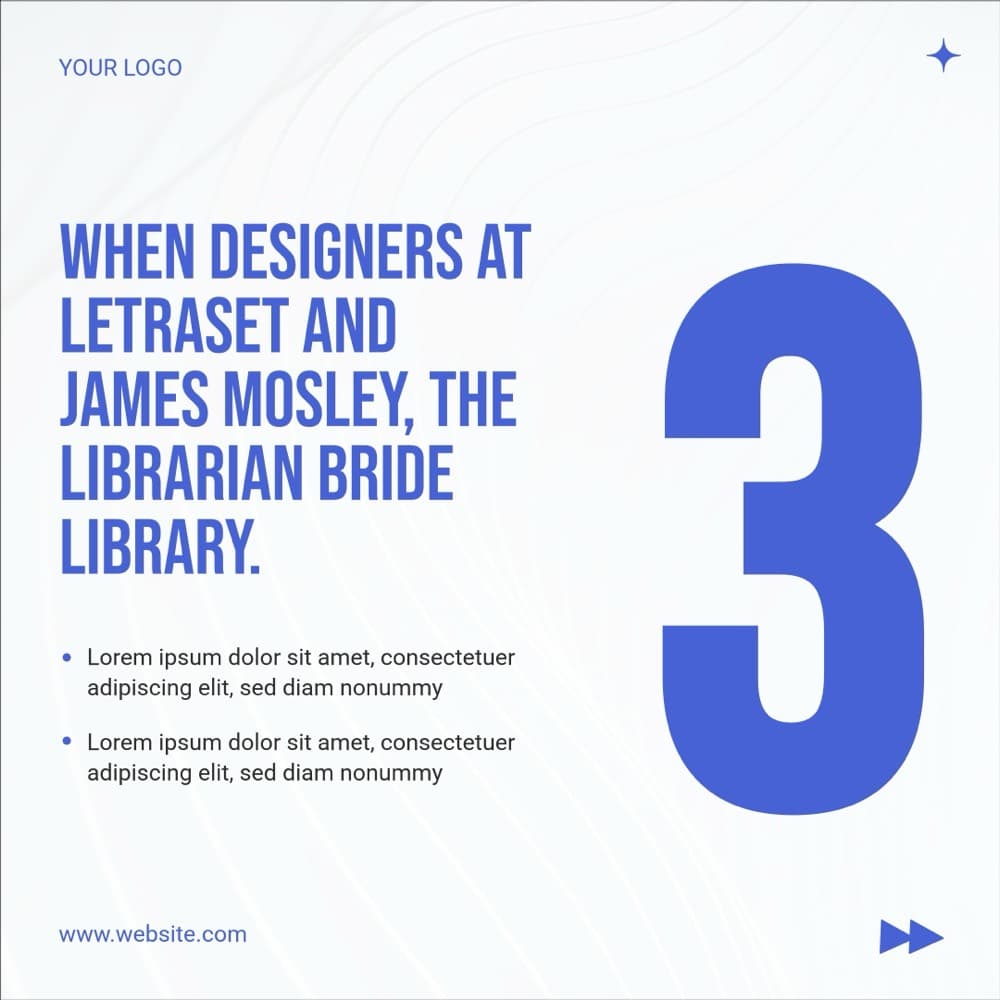



How it works
From a design file to a production pipeline in an afternoon.
No headless browser to babysit, no HTML rebuild of a layout that already exists, no design queue between your data and your assets.
- 01Editor
Design it once
Open a template or build your own in the Pixy editor. Give the elements you plan to change a name you will recognise later — the headline, the product shot, the badge.
- 02IDs
Copy the IDs
Every design has a designId, and every element inside it has its own id. Copy them straight out of the editor. That is the whole integration surface.
- 03POST /generate
Send modifications
POST an array of modifications — text, src, fill, stroke — against the design. One request, one element or fifty, in whatever order your data arrives.
- 04PNG · JPEG · PDF
Get files back
Pixy renders the design with your changes applied and returns the finished files. PNG, JPEG or PDF, at the size the design was built at.
- Autumn drop is live
linen-set.jpg - La collection d’automne
roast-02.jpg - Nur dieses Wochenende
night-city.jpg - Solo este fin de semana
harvest-04.jpg
Autumn drop is live
The roster
On shiftSix jobs.
One template each.
Every card below is a real Pixy template, made once and wired to a field in your data. They share a brand, a type scale and a set of rules a designer approved — and they never need that designer again to change a headline.
- var 1/2
Social posts
Branded posts and ads
text + srcOne layout, one row of campaign data, every variant your paid team wants to test this week.
- var 1/2
Campaign ads
Seasonal and promotional
text + fillSame grid, new offer, new palette. The pricing changes at 9am and the creative changes with it.
- var 1/2
Stories
Vertical, for every channel
text + srcOpening hours, a drop, a countdown. Rendered at 1080 × 1920 without anyone resizing anything.
- var 1/2
Email headers
Visuals for campaigns
text + fillLocalise the header for eleven markets without opening eleven files.
- var 1/2
Product promos
Straight from the catalogue
src + textPoint the image element at the new product shot. Pixy centre-crops it to the frame the designer drew.
- var 1/2
Carousels
Multi-page, one template
text per pagePage one to page five from an array. The layout holds; only the copy moves.
Or start from a blank canvas, 100–2000px on either side
Don’t read about it.
Change something.
These are the four fields the API can modify, wired to a real design. Edit any of them and watch the canvas repaint — then take the request it wrote for you and run it against your own template.
textTitle elementtextBadge elementfillHex valuesrcImage elementformatExport optionAutumn drop is live
design_id · png
Drawn in your browser so you can play with it instantly. The real call returns the same design as a downloadable file, rendered by Pixy — not a screenshot of a web page.
const image = await pixy.generate(DESIGN_ID, [ { id: TITLE_ID, text: "Autumn drop is live", }, { id: BADGE_ID, text: "New in", fill: "#6c3bf0", }, { id: IMAGE_ID, src: "https://cdn.example.com/linen-set.jpg", },], { format: "png" })What you can change
Four fields. That’s the entire API.
No template language, no CSS to keep in sync with a design file, nothing to learn on a Friday afternoon. You address an element by its id and set what it should say, show, or be coloured.
textText elements
Swap the copy. Styling and position survive; the box reflows unless the element is set to autofit.
New season dropsrcImage elements
Point at any public URL. The new image is scaled to fill the original frame and centre-cropped, so the layout never shifts.

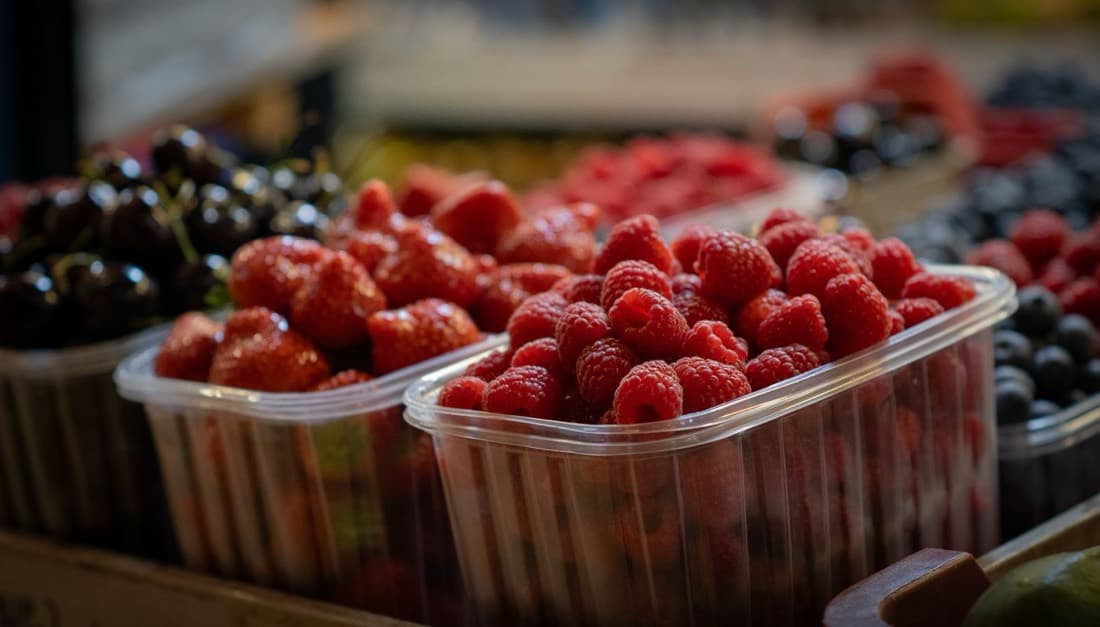
fillText, shapes, SVG
Recolour a headline, a badge or a background from a hex value your own data supplies.
strokeText, images, shapes
Change an outline colour. Visible wherever the element already carries a stroke width above zero.
What comes back
- 1 credit / page
PNG
High-quality image exports
- 1 credit / page
JPEG
Compact image exports
- 1 credit
PDF
Shareable document exports
Canvas
100–2000px
on either side, at whatever aspect your design needs — a story, a wide banner, an A4 document. Type and kerning render exactly as they do in the editor, because it is the same renderer.
Full field referenceWhitelabel
Put the editor inside your product.
Your users make graphics without leaving your app. Your logo in the corner, your accent colour on the buttons, only the panels you want them to have — and on Scale, no mention of Pixy anywhere in it.
- Your logo
- Drop your wordmark into the editor chrome so it reads as part of your product, not as a tool you rented.
- Your colour
- One hex value repaints the buttons, accents and interface details to match your brand.
- Your sidebar
- Turn the eight panels on or off — templates, text, images, elements, draw, uploads, brand kit, background.
- Your exits
- Choose the export formats users can leave with, the save button label, and whether it opens inline or as a modal.
- Templates
- Text
- Images
- Elements
- Draw
- Uploads
- Brand kit
- Background
Your users’ design
A day’s work, if the
design queue didn’t exist.
Every row is one request against one template. Nobody opened a design file, and nobody waited for a designer to come back from lunch.
- Autumn drop — story
PNG · textHeadline swapped for 14 locales. One request per row of the sheet.
820ms - Invoice — EU
PDF · textLine items and totals filled from the billing webhook.
1.1s - Product card — 1080²
JPEG · srcImage element repointed at the new catalogue shot, centre-cropped to frame.
640ms - Blog cover — wide
PNG · fillBadge recoloured to the category hex the CMS sent through.
590ms - Certificate — cohort 12
PDF · textName, date and course rendered the moment the course was completed.
930ms
Sample data on a loop, written to show the shape of a workload. Not a live feed.
Why Pixy
The honest comparison.
Two other ways to get a thousand on-brand images. Both work. Here is what each one costs you.
| Approach | By hand | Headless screenshots | Pixy |
|---|---|---|---|
| Time to the 200th variant | Days | Hours of CSS | One loop |
| Who makes a copy change | A designer | A front-end dev | Whoever owns the data |
| What you maintain | A file per variant | An HTML clone of the design | One template |
| Typography and kerning | Exact | Browser-dependent | Exact |
| PDF output | Manual export | Extra plumbing | A format flag |
| Non-technical editing | Yes | No | Yes — same editor |
Modifications
Examples to modify images from code.
Here are some quick examples on how to get started to auto-generate images. Read our API docs for full understanding on modifications.
Replace text
Text changes keep the original text element’s styling and position. The text box can resize based on the new content, unless that text element is using “autofit” behavior.
const image = await pixy.generate(DESIGN_ID, [ { id: TITLE_ID, text: "New season drop", },])Replace image source
Replacement images are always scaled to fill the original image element’s size. If the new image has a different aspect ratio, Pixy keeps the center of the new image in view and crops the outer edges as needed so the layout stays aligned.
const image = await pixy.generate(DESIGN_ID, [ { id: IMAGE_ID, src: "https://example.com/cover.jpg", },])Multiple changes on the same element
You can send multiple supported fields for one element in the same modification object when they apply to that element type.
const image = await pixy.generate(DESIGN_ID, [ { id: TITLE_ID, text: "New season drop", fill: "#111827", stroke: "#ffffff", },])Multiple changes on different elements
One request can update multiple elements at once by sending multiple modification objects, each with its own element id.
const image = await pixy.generate(DESIGN_ID, [ { id: TITLE_ID, text: "New season drop", fill: "#111827", stroke: "#ffffff", }, { id: IMAGE_ID, src: "https://example.com/cover.jpg", }, { id: ELEMENT_ID, fill: "#111827", },])Automations
One call today. No-code next.
The API and the MCP server are live now and do everything on this page. The connectors below are on the roadmap — listed here so you can see where this is going, marked so you don’t plan a launch around one.
API
LiveIn-house
Generate images at scale with full control. REST, bearer auth, or the official TypeScript SDK.
Explore automation docsMCP
LiveIn-house
Point Claude, Cursor or your own agent at Pixy. Eight tools over one endpoint, authenticated by the same API key.
Explore automation docsZapier
Coming soonExternal
Automate image generation across your tools with no code in between.
Airtable
Coming soonExternal
Manage the copy and the assets in a base, and generate straight from your rows.
n8n
Coming soonExternal
Build self-hosted workflows that generate and process images at volume.
Make.com
Coming soonExternal
Design visual scenarios for bulk creative production.
Pricing
Pricing for teams shipping design.
Start on Free with 20 credits — no card required.
Starter
For solo creators getting started with regular usage.
$49/ month
Get startedWhat’s included
- Members
- 1
- Credits
- 1,000 / month
- Overages
- $0.03 / credit
- API
- Embed
Growth
PopularFor growing teams with active API and embed usage.
$149/ month
Get startedWhat’s included
- Members
- 3
- Credits
- 10,000 / month
- Overages
- $0.02 / credit
- API
- Embed
Scale
For high-volume teams that need the embeddable Pixy image editor.
$299/ month
Book a demoWhat’s included
- Members
- 10
- Credits
- 50,000 / month
- Overages
- $0.01 / credit
- API
- Embed
Image exports cost 1 credit per page · PDF costs 1 credit
FAQ
The questions we get most.
What can I generate with Pixy?
Repeatable assets built on reusable templates: social graphics, blog banners, ads, email headers, product promos, invoices, shipping labels, certificates, and any other branded visual you would otherwise make one at a time.
Do I have to rebuild my design in code?
No. That is the point. The design stays a design — you build it in the Pixy editor, and the API changes named elements inside it. Nothing about your layout is reimplemented as HTML, so nothing about it can render differently on a different machine.
Does every plan include API access?
API access is included on Starter, Growth and Scale. Free is for designing from templates and exploring the editor. What changes between the paid plans is credits, seats and whether the embeddable editor is included.
Which plan includes embed?
Embed is on Growth and Scale. Scale is the plan for teams putting the editor inside their own product, because it is the one that removes Pixy branding from the embedded experience.
How do credits and overages work?
Each plan carries a monthly credit allowance. Image exports cost one credit per page and a PDF costs one credit. Go past the allowance and the extra usage bills at your plan’s overage rate rather than stopping mid-campaign.
Can I use my own templates and brand rules?
Yes. Pixy is built around reusable templates and brand-safe controls, so the layout, type and spacing a designer approved are the ones every generated asset uses.
Start here
Make the template.
Let the code make the rest.
Free plan, 20 credits, no card. Build a design, copy its id, and send your first modification before this tab goes cold.
1,500+ templates · PNG · JPEG · PDF · EU-hosted